Try the latest PoloX AI Agent
One creative workspace for your next idea.

INDEPENDENT GUIDE · Monet AI

Monet AI Campaign Studio: Create a Focused Advertising Brief

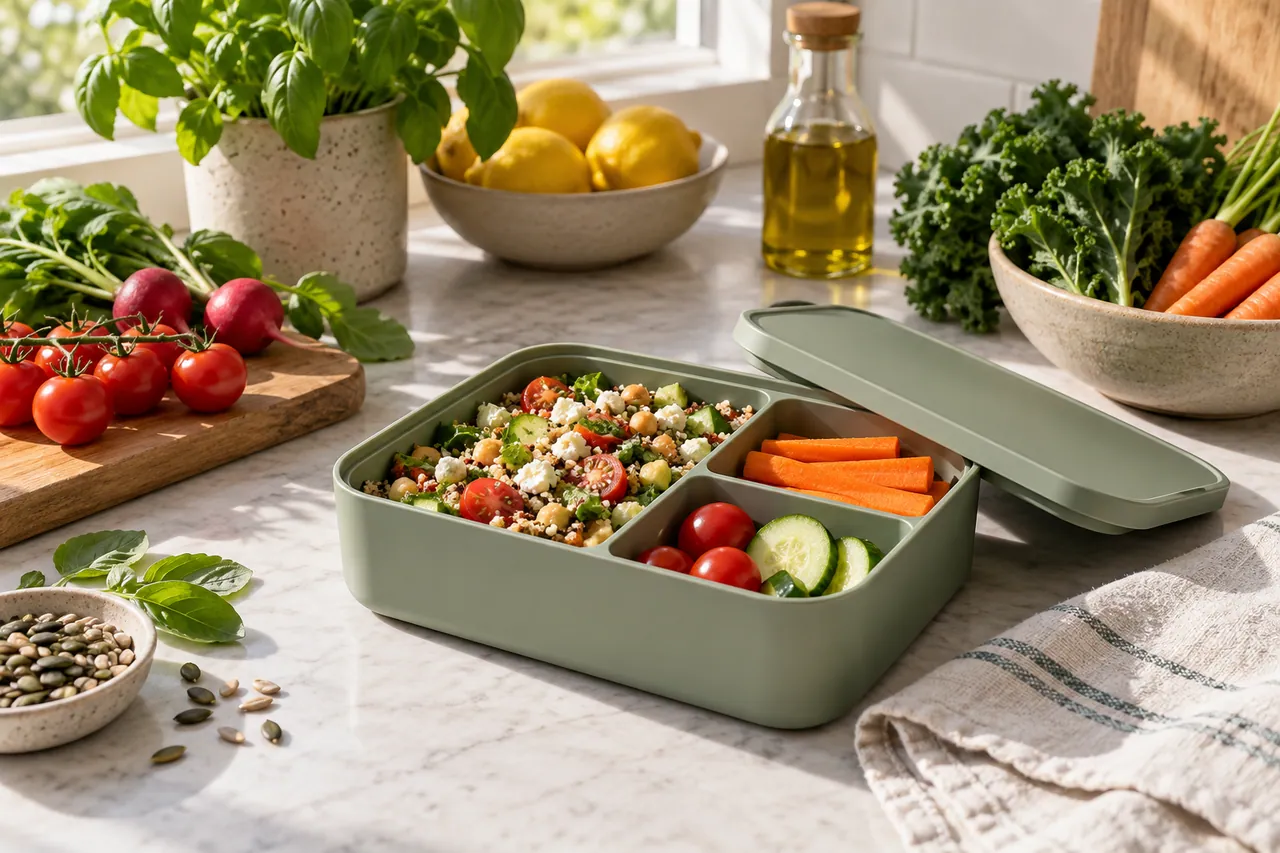
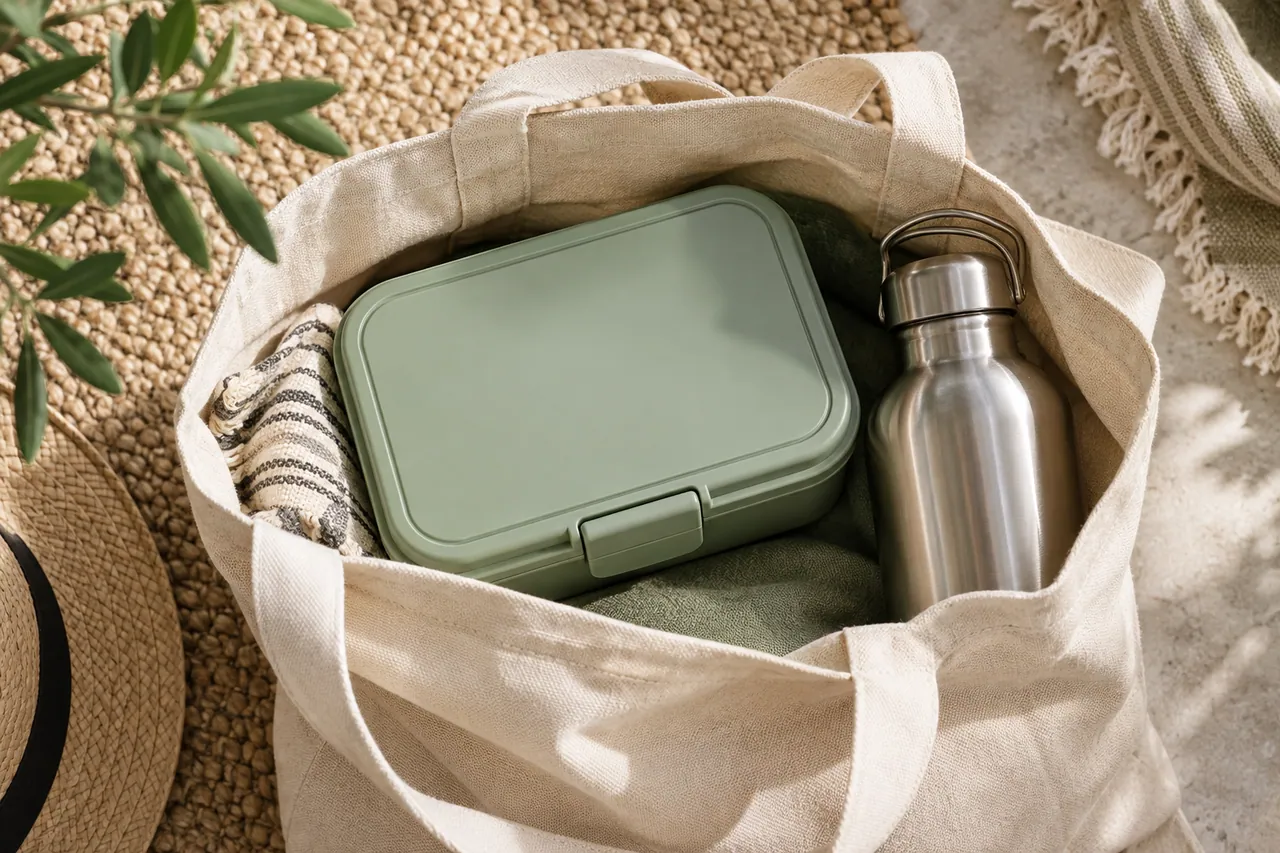
A Monet AI campaign brief should make the product’s role immediately understandable. For this reusable lunchbox concept, the kitchen image introduces preparation and the tote image introduces portability. Those are two different messages, not simply two backgrounds. Choose which audience problem the campaign addresses before asking for more variations, and keep any practical claims tied to a real product specification.

A matte sage-green reusable lunchbox with simple compartments arranged beside fresh vegetables on a sunlit kitchen counter.
AI-generated concept illustration for this independent Monet AI guide. A matte sage-green reusable lunchbox with simple compartments arranged beside fresh vegetables on a sunlit kitchen counter.

THE BRAND & THE BRIEF

Explore Monet AI with a clear creative goal

Monet AI focuses on AI-assisted advertising creative and campaign production. This page focuses on AI advertising concepts and creative evaluation through an original exercise: a reusable lunchbox campaign.

Use the examples to plan your own tests. They are editorial concept illustrations created for this guide, not screenshots, product benchmarks or outputs generated by Monet AI.

Visit the official Monet AI website ↗

01 / VISUAL DIRECTION

Two image prompts for a reusable lunchbox campaign

Use the first composition to establish the idea and the second to explore a related detail. Adapt the wording and reference inputs to the tool you choose; these prompts describe the creative intent, not a guaranteed result.

PROMPT 01

Establish the visual idea

A matte sage-green reusable lunchbox with simple compartments arranged beside fresh vegetables on a sunlit kitchen counter, clean commercial still life. One coherent composition with a clear focal point and natural material detail. Landscape framing. No text, logos, watermarks or decorative borders.
PROMPT 02

Develop the supporting view

A closed sage-green lunchbox neatly packed in an open natural-canvas tote beside a stainless water bottle, overhead editorial product photography. One coherent composition with a clear focal point and natural material detail. Landscape framing. No text, logos, watermarks or decorative borders.

02 / MAKE THE DECISIONS

A practical Monet AI workflow

01

Choose the message

Decide whether the ad is about an organized lunch or a convenient commute. Use the kitchen scene for preparation and the tote scene for carrying. Trying to express every benefit in the first frame weakens the visual priority.

02

Protect the product facts

Record the real dimensions, compartment layout and closure mechanism if a physical product exists. Treat this sage-green lunchbox as fictional concept artwork. Do not imply leak resistance, food safety or capacity from an attractive generated scene.

03

Set up a useful comparison

Create two ad concepts with different opening messages but a consistent product appearance. Compare whether viewers can identify the object and its intended use. Keep the call to action and delivery format steady while judging the creative direction.

A closed sage-green lunchbox neatly packed in an open natural-canvas tote beside a stainless water bottle.
AI-generated supporting concept. A closed sage-green lunchbox neatly packed in an open natural-canvas tote beside a stainless water bottle.

03 / REVIEW BEFORE EXPANDING

What to check in your Monet AI creative brief

A generated lifestyle scene is not a product test. The tote may look spacious without demonstrating actual dimensions. If the brief depends on fit or performance, use verified references and real demonstration footage. Review the image for misleading scale and unexplained changes to the lunchbox.

Keep the source prompt, selected reference and revision note together. Compare the next version at its intended display size, and record the specific improvement you want before generating another variation.

PRACTICAL ANSWERS

Monet AI creative planning questions

What should change between ad concepts?

Change the message or the visual framing intentionally. If audience, product, offer and style all change together, it becomes difficult to understand why one concept communicates more clearly.

How often should the brand appear?

Use the product or brand identity where it helps recognition. Keep the main message readable, and add approved branding as editable design rather than relying on generated lettering.

THE CREATIVE NOTEBOOK

Learn with Monet AI

Explore a focused tutorial, a practical prompt guide and a real-world planning exercise. Each guide includes an original brief and a checklist for reviewing your result.

Independent educational content. This website is not the official Monet AI service. For current model availability, account features and plans, check the official website linked above.

YOUR NEXT CREATIVE STEP

Try PoloX AI Agent

Turn your ideas into images, videos, and more through conversation. Describe what you want to create and start on PoloX.

EXPLOREGPT Image 2.5
Sunburst & Flare
Try PoloX AI Agent